Imperial Gaming GCash Withdrawal: Step-by-Step Cashout Guide for Filipino Players
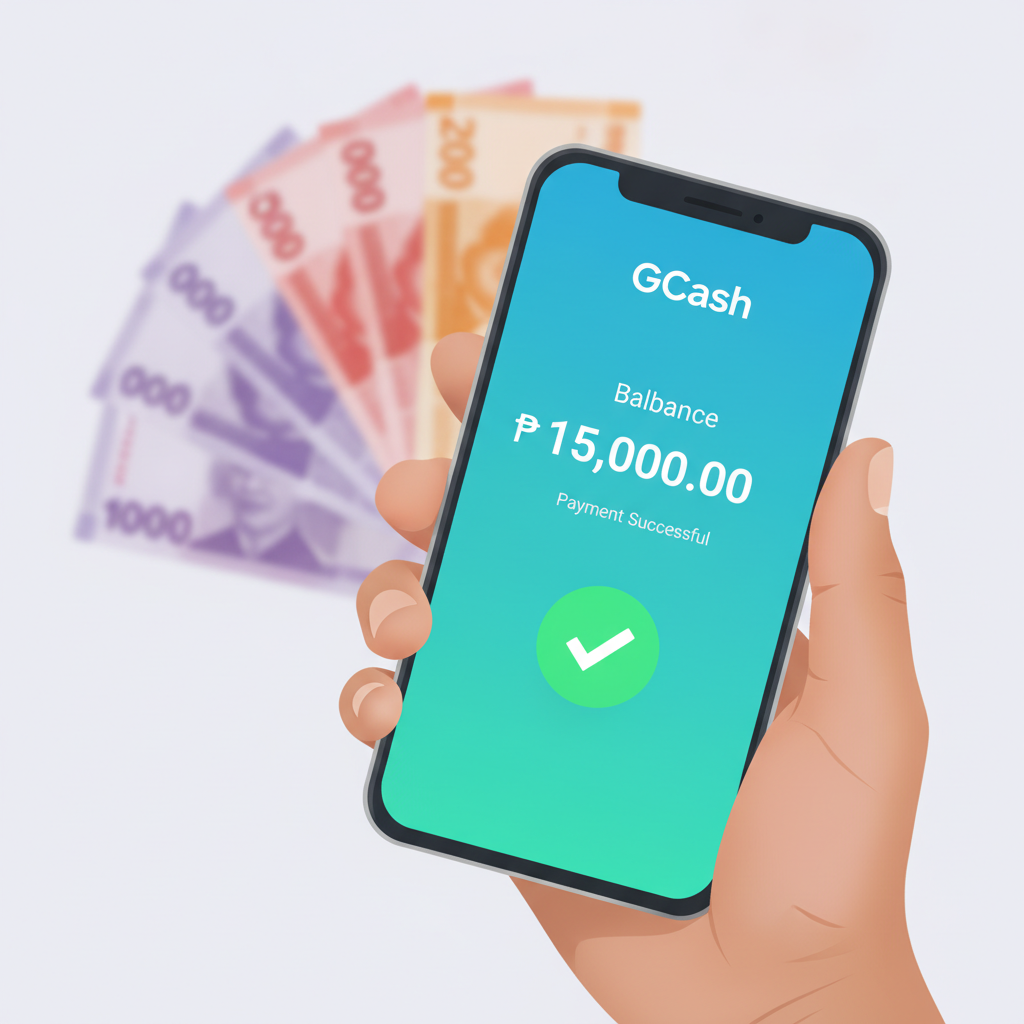
Where to Find the Cashout Screen in Your Imperial Gaming Account
Once you're ready to cash out your winnings from Imperial Gaming, log in through the mobile app or mobile browser. On the home screen, look for the account icon—usually a profile symbol or your username—at the top right corner. Tap it to open your account menu.
Inside the menu, you'll see options like "Deposit," "Withdraw," "Transaction History," and "Account Settings." Select Withdraw or Cashout (the label may vary slightly depending on app updates). This takes you to the withdrawal screen where you can choose your payout method.
Imperial Gaming lists several e-wallet and bank options, but for GCash users the process is fast and widely used across the Philippines. Tap GCash from the list of withdrawal methods. If GCash doesn't appear, check whether your account has completed identity verification—most operators require at least one successful deposit and ID upload before enabling e-wallet withdrawals.
Entering Your GCash Mobile Number and Withdrawal Amount Correctly
After selecting GCash as your cashout method, you'll see two main fields: your GCash-registered mobile number and the withdrawal amount in Philippine pesos.
Mobile Number Format
Enter your 11-digit GCash mobile number exactly as it appears in your GCash app. The format should be 09XXXXXXXXX—do not add +63, spaces, or dashes. Imperial Gaming's system expects the number in local format. If you enter it with a country code or wrong spacing, the transaction may fail or delay.
Double-check the number before submitting. A single wrong digit sends your money to someone else's GCash wallet, and reversing that can be difficult or impossible.
Withdrawal Amount
Type the amount you want to withdraw in whole pesos. Imperial Gaming does not accept centavos in withdrawal requests, so round to the nearest peso if needed. The platform will display your current available balance—this is the cash you can withdraw right now, excluding any locked bonus funds or pending bets.
If you try to withdraw more than your available balance, the system will reject the request. Make sure all active bets have settled and any wagering requirements on bonuses are complete before requesting a cashout.
After filling in both fields, review them carefully. Then tap Confirm or Submit Withdrawal. You may be asked to enter your account password or a one-time PIN sent to your registered mobile number for security.
Minimum and Maximum GCash Cashout Limits Per Transaction
Imperial Gaming sets transaction limits on GCash withdrawals to manage processing and comply with e-wallet provider policies. These limits can change, so always check the withdrawal screen for the most current figures, but typical ranges are:
- Minimum withdrawal: PHP 100 per transaction
- Maximum withdrawal: PHP 50,000 per transaction
If you need to cash out more than PHP 50,000, you'll need to submit multiple withdrawal requests. Some players split large cashouts across several transactions or use a mix of GCash and bank transfer to move bigger sums.
Daily and Monthly Limits
Beyond per-transaction caps, Imperial Gaming may enforce daily or monthly withdrawal limits. A common daily limit is PHP 100,000 to PHP 200,000 across all methods, though this varies by account status and VIP tier. If you hit your daily limit, you'll see an error message and must wait until the next calendar day (usually resets at midnight Philippine Standard Time) to request another withdrawal.
Monthly limits are less common for standard players but may apply to new accounts or those that haven't completed full KYC verification. Check your account dashboard or contact Imperial Gaming support if you're unsure of your personal limits.
Withdrawal Fees
GCash withdrawals from Imperial Gaming typically carry no fee from the casino side, but GCash itself may charge a small cash-in or cash-out fee depending on your wallet tier and monthly transaction volume. Most players see no fee for standard e-wallet transfers. Always confirm on the final confirmation screen before submitting—the platform will show any deductions before you approve.
Imperial Gaming Withdrawal Time for GCash Cashouts
After you submit your Imperial Gaming GCash withdrawal request, the operator's finance team reviews and processes it. Processing times vary:
- Instant to 15 minutes: Many GCash cashouts arrive within minutes if submitted during business hours and the account is fully verified.
- Up to 24 hours: During peak times—evenings, weekends, or after major sporting events—processing can take longer.
- 24–72 hours: If your account is flagged for additional verification or if the request is unusually large, the operator may need extra time to review.
You'll receive an SMS or in-app notification once the funds leave Imperial Gaming's system. GCash usually credits the money to your wallet instantly once the operator releases it, so the main wait is on Imperial Gaming's internal approval process.
To check the status of your withdrawal, go back to your account menu and tap Transaction History or Withdrawal History. Each request will show a status: Pending, Processing, Completed, or Cancelled. If a cashout stays pending for more than 48 hours, contact Imperial Gaming customer support through live chat or the in-app help center.
Common Errors and Fixes
Even with careful entry, Imperial Gaming GCash withdrawal requests sometimes fail. Here are the most frequent issues and how to resolve them:
Wrong Mobile Number
Error message: "Invalid GCash number" or "Recipient not found."
Fix: Go back and re-enter your 11-digit mobile number in 09XXXXXXXXX format. Make sure it matches the number registered to your GCash account. If you recently changed your GCash number, update it in your Imperial Gaming account settings before trying again.
Insufficient Available Balance
Error message: "Insufficient funds" or "Withdrawal amount exceeds available balance."
Fix: Check your available balance on the withdrawal screen. If it's lower than expected, verify that:
- All pending bets have been settled.
- Any active bonus has completed its wagering requirement or has been forfeited.
- No funds are locked due to a recent deposit (some payment methods have a short hold period).
Wait for bets to settle, clear bonus requirements, or reduce your withdrawal amount to match your available cash.
Daily Limit Reached
Error message: "Daily withdrawal limit exceeded."
Fix: You've already withdrawn the maximum allowed for the day. Wait until midnight PST for the daily counter to reset, then submit a new request. If you need funds urgently, consider splitting your cashout between GCash and another method like Maya or bank transfer, as each may have separate daily pools.
Pending Verification or KYC
Error message: "Account verification required" or "Complete KYC to withdraw."
Fix: Imperial Gaming may ask you to upload a valid government ID (such as a Philippine driver's license, passport, or UMID) and a selfie holding your ID. Go to Account Settings > Verification and follow the prompts. Verification usually takes a few hours to one business day. Once approved, your withdrawal will proceed.
Technical or System Error
Error message: "Transaction failed" or "Please try again later."
Fix: Temporary glitches can occur during maintenance or high traffic. Wait 15–30 minutes and retry. Clear your browser cache or restart the Imperial Gaming app. If the problem persists, contact support with your transaction reference number (found in your withdrawal history).
GCash Wallet Issue
Sometimes the problem is on GCash's side—your wallet may be unverified, blocked, or at its monthly transaction limit.
Fix:
- Open the GCash app and confirm your account is fully verified (blue check mark).
- Check your GCash transaction history for any service interruptions or limits.
- If GCash shows an error, contact GCash customer support at 2882 (Globe/TM).
Once your GCash wallet is healthy, return to Imperial Gaming and resubmit your withdrawal.
Tips for Smooth Imperial Gaming GCash Withdrawals
- Verify your account early. Upload your ID and complete KYC as soon as you register, so there's no delay when you're ready to cash out.
- Use the same mobile number. Register your Imperial Gaming account, deposit, and withdraw using the same GCash number to avoid mismatches.
- Withdraw during off-peak hours. Requests submitted in the morning or early afternoon on weekdays often process faster than evening or weekend cashouts.
- Keep records. Screenshot your withdrawal confirmation and transaction ID. If any issue arises, you can provide these to support for quicker resolution.
- Don't withdraw tiny amounts repeatedly. While there's usually no fee, frequent small cashouts can trigger extra security reviews. Consolidate winnings when practical.
Responsible Gambling and Cashing Out What You Can Afford
Imperial Gaming GCash withdrawal is designed to give Filipino players quick, convenient access to their winnings. But responsible gambling means knowing when to cash out and when to take a break.
Set a cashout goal before you start playing. Once you hit that target, withdraw the funds and step away. Chasing losses or re-depositing cashouts immediately can lead to bigger problems.
Only gamble with money you can afford to lose. If withdrawing PHP 500 would impact your daily budget for food, transportation, or bills, reconsider your deposit and betting limits.
This site is for players aged 21 and over only. If you or someone you know is struggling with gambling, reach out to local support resources or use Imperial Gaming's self-exclusion and deposit-limit tools in your account settings.
By following the steps and tips in this guide, you can complete your Imperial Gaming GCash withdrawal smoothly and get your winnings into your e-wallet fast. Always double-check your mobile number and amount, respect transaction limits, and contact support if you hit a snag. Good luck, play responsibly, and enjoy quick cashouts whenever you're ready.