Imperial Gaming Withdrawal & App Help for Filipino Players

Practical guides for moving your pesos in and out via GCash, Maya, and bank transfer, plus Android and iOS app setup and login fixes.

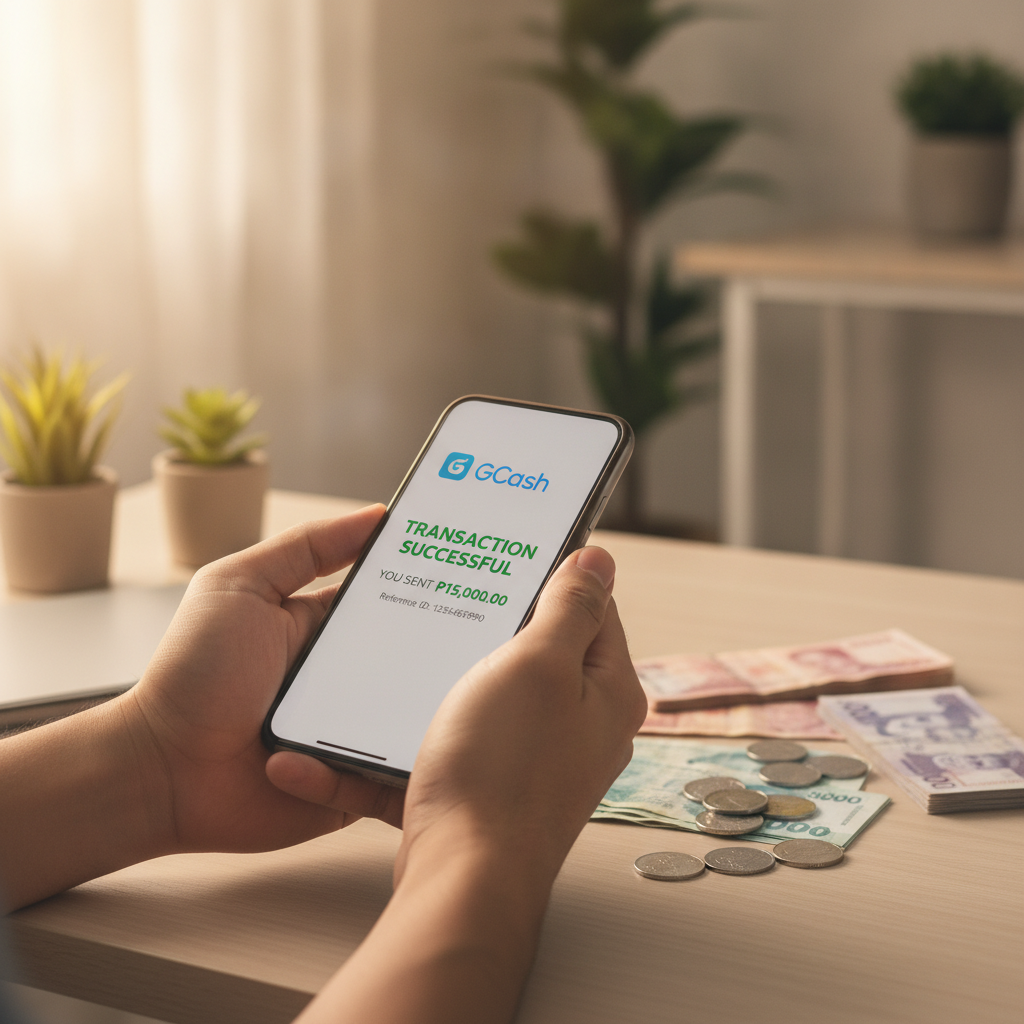
Filipino player completing casino withdrawal on smartphone using GCash

GCash, Maya & Bank Cashout Steps

Imperial Gaming processes withdrawals to GCash, Maya, InstaPay, and PESONet for Filipino players. Each method has different processing times: e-wallets like GCash and Maya typically arrive within minutes to a few hours, while bank transfers over InstaPay aim for same-day or next-business-day settlement and PESONet can take one to three banking days. Minimum and maximum cashout limits vary by method, and some payment channels may charge a small fee. If your withdrawal is pending longer than expected, check that your account verification is complete and that the e-wallet or bank account name matches your Imperial Gaming profile exactly. Network outages on the payment provider's side or peak-hour congestion can also delay transfers. For stuck or failed cashouts, contact Imperial Gaming support with your transaction reference number and screenshot. Always withdraw to an account in your own name, and keep records of your transactions. Imperial Gaming is an online casino and sportsbook for players 21 and over. Gamble responsibly and only bet what you can afford to lose.

Android APK & iOS App Install

Imperial Gaming offers an Android APK download and mobile web access for iOS users in the Philippines. To install the Android app, visit the official Imperial Gaming site on your phone's browser, download the APK file, then open it and allow installation from unknown sources in your device settings. The app size is modest and works on most Android versions, making it suitable for budget smartphones common across Metro Manila and the provinces. iOS users can add a home-screen shortcut through Safari for quick access, since native App Store distribution is not available for Philippine online casinos. Both mobile options support GCash and Maya deposits, live dealer games, PBA and NBA sports betting, slots, and bingo. The interface is optimized for small screens and mobile data, so you can play or cash out on the go. Keep your app updated by checking the Imperial Gaming website periodically for new APK versions. Only download from the official source to avoid fake or malicious files. This service is for players 21 years old and above. Play responsibly and set limits on your time and spending.

Login Errors & Account Verification Fixes

Login problems on Imperial Gaming usually stem from incorrect credentials, expired sessions, or incomplete verification. If you've forgotten your password, use the password-reset link on the login screen and follow the steps sent to your registered email or mobile number. Make sure you're entering the exact username or email you used during sign-up, and check that Caps Lock is off. Account verification issues can block withdrawals even if you can log in. Imperial Gaming may ask for a government-issued ID, a selfie, or proof of your GCash, Maya, or bank account to confirm your identity and prevent fraud. Upload clear, unedited photos in JPEG or PNG format, and ensure that all four corners of your ID are visible. Verification typically completes within 24 to 48 hours, but high volumes can extend the wait. If you still can't log in after resetting your password and clearing your browser or app cache, reach out to Imperial Gaming's customer support with your registered phone number and a description of the error message. This platform is restricted to players aged 21 and above in the Philippines. Remember to gamble responsibly and seek help if betting becomes a problem.

Stop scrolling. Try Imperial Gaming.