Imperial Gaming Deposit Failed: Why Your GCash or Maya Top-Up Didn't Go Through
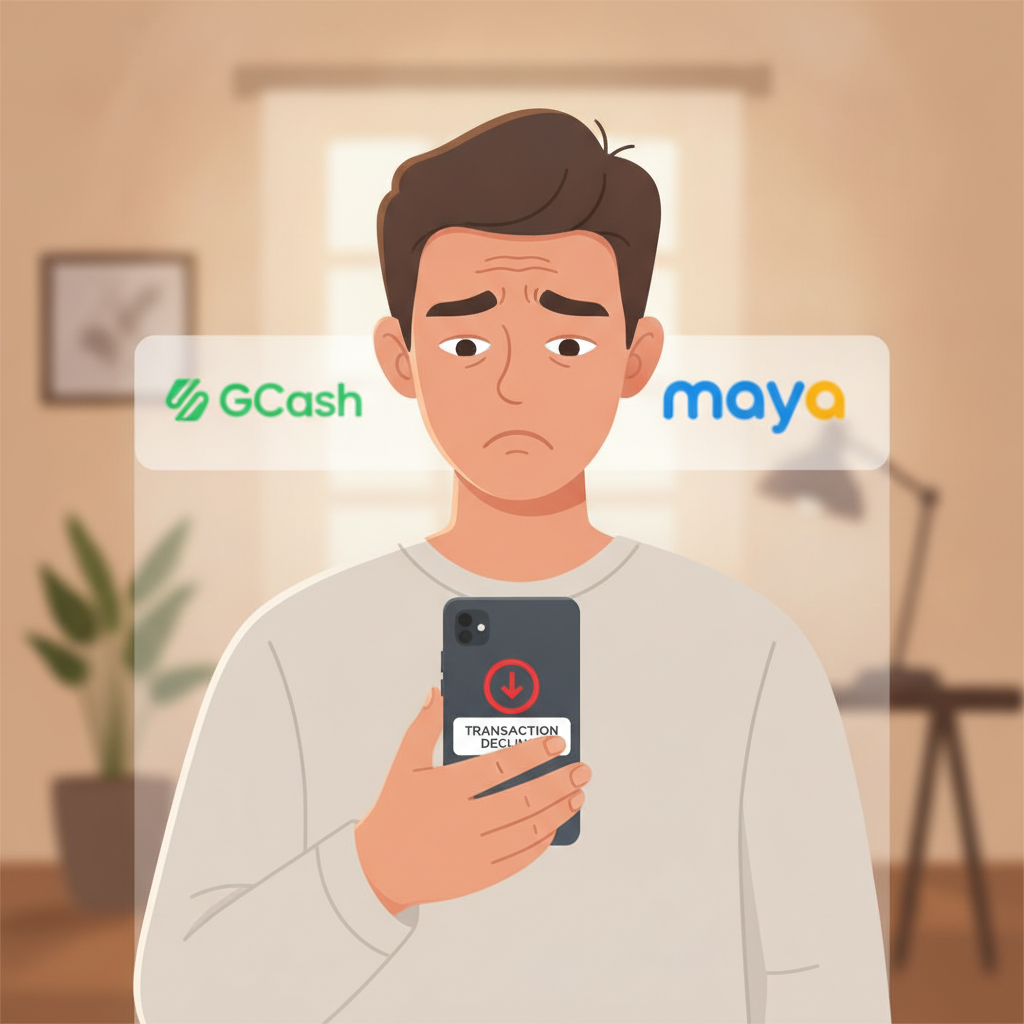
Why Your Imperial Gaming Deposit May Have Failed
When you try to add funds to your Imperial Gaming account and the money doesn't show up, it's frustrating—especially when you're ready to play. Failed deposits usually happen for a handful of common reasons, and most can be fixed quickly once you know what went wrong.
Imperial Gaming processes deposits through GCash, Maya, and bank transfer channels like InstaPay and PESONet. Each method has its own set of conditions, and if something doesn't match up at the moment you submit your deposit, the transaction won't complete.
This guide is for players 21 and over. Always deposit only what you can afford to lose.
Common Reasons GCash and Maya Deposits Fail
Insufficient E-Wallet Balance
The most frequent cause is not having enough pesos in your GCash or Maya wallet to cover the full deposit amount. Even if you think you have PHP 200 loaded, double-check your current balance before you confirm the transaction. If your wallet balance is PHP 195 and you're trying to deposit PHP 200, the payment will be declined immediately.
Wrong Reference Number or Payment Details
Imperial Gaming's cashier page will usually generate a reference code or show specific payment instructions when you choose GCash or Maya as your deposit method. If you manually enter that reference into your e-wallet app and make a typo—or if you skip the reference field altogether—the casino's payment system won't be able to match your transfer to your player account. The money may leave your wallet but won't credit to Imperial Gaming.
Daily or Transaction Limits on Your E-Wallet
GCash and Maya both impose daily transaction caps, especially for accounts that haven't completed full verification. An unverified GCash account, for example, may have a much lower sending limit than a fully verified one. If you've already made several transfers today and you're near your daily ceiling, your Imperial Gaming deposit will bounce.
Temporary E-Wallet or Payment Gateway Issues
Occasionally GCash, Maya, or the third-party payment processor that Imperial Gaming uses will experience downtime or connectivity problems. During these windows—often during peak evening hours or system maintenance—deposits time out or return an error message. This isn't a problem with your account; it's a temporary technical hiccup.
Incorrect Casino Account Details
If your Imperial Gaming player name or account number was entered incorrectly in the deposit form, the system won't know where to send the funds. Always confirm that the username or account ID displayed at the top of the cashier matches your actual login details.
How Long Does It Take for a Failed Deposit to Refund?
When a deposit fails, the pesos usually return to your GCash or Maya wallet automatically. The refund timeline depends on where the transaction broke down.
Instant decline: If your e-wallet rejected the payment immediately—because of insufficient balance or a limit issue—you'll see the full amount back in your wallet within seconds. Nothing actually left your account, so there's nothing to reverse.
Pending then reversed: If the money was deducted from your GCash or Maya but Imperial Gaming's system couldn't match or accept it, the refund typically appears within one to three business days. E-wallet providers and payment gateways need time to reconcile the failed transaction and return the funds.
Bank-transfer deposits: If you used InstaPay or PESONet and the deposit failed, refunds can take three to five business days, because banks process reversals in batches and only during banking hours.
While you wait, avoid submitting duplicate deposits for the same amount. Doing so can create confusion in the payment logs and may delay both transactions.
Checking Transaction History in Your E-Wallet and Imperial Gaming Account
Before you contact support, gather evidence of what happened. You'll need to compare records in two places: your e-wallet app and your casino account.
In GCash or Maya
- Open your GCash or Maya app and tap the transaction history or activity tab.
- Look for the outgoing transfer that matches the date, time, and peso amount of your attempted Imperial Gaming deposit.
- Check the status: it may say "Success," "Failed," or "Pending."
- Note the reference number or transaction ID that your e-wallet assigned.
If the status shows "Success" in your e-wallet but the money didn't reach Imperial Gaming, that's a mismatch you'll need to report.
In Imperial Gaming
- Log in to your Imperial Gaming account on your phone or browser.
- Go to the cashier, transaction history, or account statement section (the exact label varies by how Imperial Gaming organizes its interface).
- Filter by deposits and look at the last 24–48 hours.
- If your deposit isn't listed at all, or if it appears as "Declined" or "Pending," you've confirmed the failure on the casino's side.
Cross-referencing both histories helps you pinpoint whether the problem originated with the e-wallet, the payment gateway, or the casino's processing system.
When to Screenshot Your E-Wallet Receipt and Contact Imperial Gaming Support
If your deposit has been missing for more than a few hours—and your e-wallet shows a successful deduction—it's time to reach out to Imperial Gaming's customer service.
What to Prepare
- Screenshot of your GCash or Maya transaction receipt. Capture the full screen showing the date, time, amount in pesos, recipient name, and reference or transaction ID.
- Your Imperial Gaming username or account number.
- The exact date and time you attempted the deposit, including your time zone (Philippine Standard Time).
- The deposit amount you tried to send.
How to Contact Support
Imperial Gaming typically offers live chat, email, and sometimes a support hotline. Live chat is usually the fastest route during business hours. When you open a ticket or chat session:
- Explain that your deposit was deducted from your e-wallet but didn't credit to your casino account.
- Provide your username and the transaction reference number from GCash or Maya.
- Attach or send the screenshot of your e-wallet receipt.
Support agents will forward your case to the payments or finance team, who can trace the transaction in the gateway logs. Resolution often takes 24 to 72 hours, depending on how quickly the payment processor responds.
Do not attempt the same deposit again until support confirms what happened to the original transfer. Duplicate payments create more work for both you and the casino's reconciliation team.
Avoiding Deposit Problems Next Time
Once your current issue is sorted, a few simple checks will help prevent future failed deposits:
- Verify your e-wallet balance and daily limits before you start a deposit.
- Copy and paste reference codes rather than typing them by hand.
- Complete full KYC verification in GCash or Maya to unlock higher transaction limits.
- Deposit during off-peak hours—early morning or mid-afternoon—when payment gateways are less likely to be congested.
- Keep your Imperial Gaming account details up to date, especially if you've changed your registered mobile number or email.
If you're switching from GCash to Maya or trying InstaPay for the first time, start with a smaller test deposit—PHP 100 or PHP 200—to confirm everything flows correctly before you move larger amounts.
Responsible Gambling Reminder
Imperial Gaming is for players 21 years of age and older only. Deposit only money you can afford to lose. If you find yourself chasing failed deposits with more attempts, or if funding your account is causing financial stress, take a break. Set a personal deposit limit in your e-wallet app or reach out to a responsible-gambling helpline in the Philippines.
Failed deposits are inconvenient, but they're usually resolved within a few days. By checking your transaction history, gathering the right screenshots, and contacting Imperial Gaming support with clear details, you'll get your pesos back or properly credited—and you'll know exactly what to watch for next time.